
Custom AI girlfriend, voiced your way
A custom AI girlfriend starts with your choices, from her look and texting style to the voice clips, photos, and video clips she sends back. Make her feel personal, flirty, and fully fictional from the first message.
18+ onlyPrivate chatsCancel any time
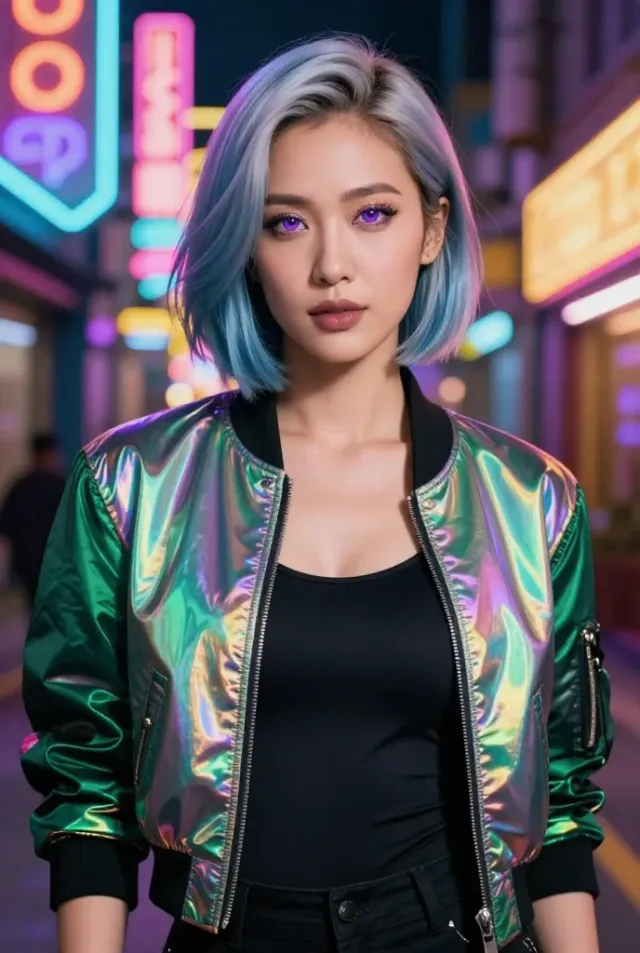

How to create a custom AI girlfriend
Go from blank slate to messages, images, voice, and video.
- 1
Describe her look
Choose her visual style, hair, eyes, outfit, and setting so her first images already match the person you pictured.
- 2
Set tone and voice
Give Sophie a warm, easygoing personality and a voice that sounds relaxed, witty, or softly flirty when she messages back.
- 3
Start chatting with her
Jump into chat and request flirty messages, fresh photos, plus voice moments or video clips on a paid plan, all centred on your character.
Quick to set up
Start with a companion, make her personal
Use a ready-made character as your base, then change what makes her feel like yours.
Paid plans can be cancelled any time

Bianca
DominantHer dominant confidence already lands well; switch the outfit to a sharp trench coat for a cooler feel.
Start from her profile
Victoria
LuxurySwap in a quieter voice for her luxury polish, so the character feels more intimate and less formal.
Start from her profile
Jade
GothKeep her goth edge and dry humour, then switch her scene to a late-night diner for a softer contrast.
Start from her profile
Maya
Girl Next DoorFrom her girl-next-door warmth, move the setting to a waterfront path and make the chat easygoing.
Start from her profile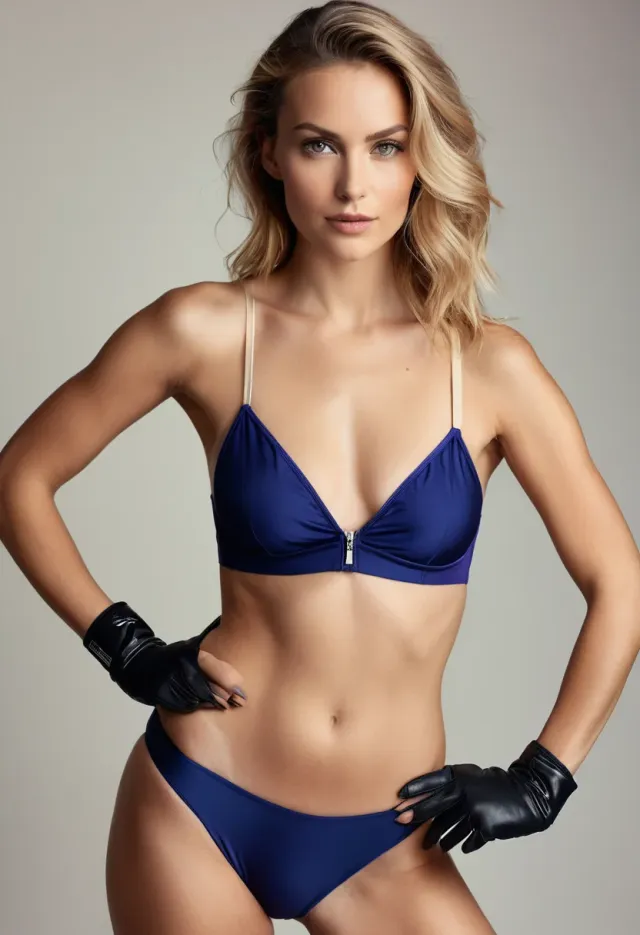
Nadia
FitnessWith her fitness focus in place, shift the scene to a waterfront path and make the chat more teasing.
Start from her profile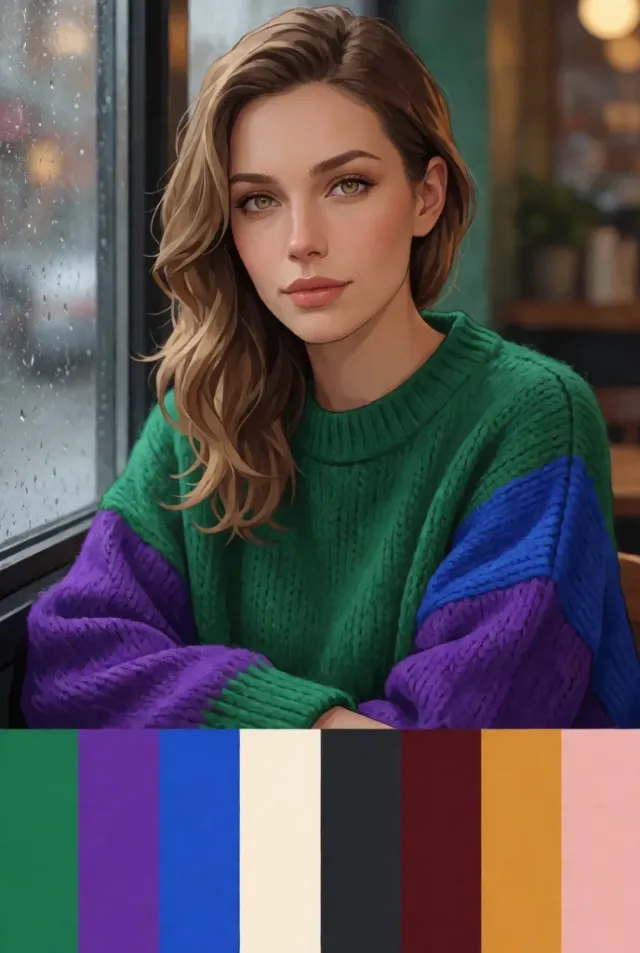
Leah
ShyBring over her shy charm, then rewrite one part of her history so she opens up sooner.
Start from her profile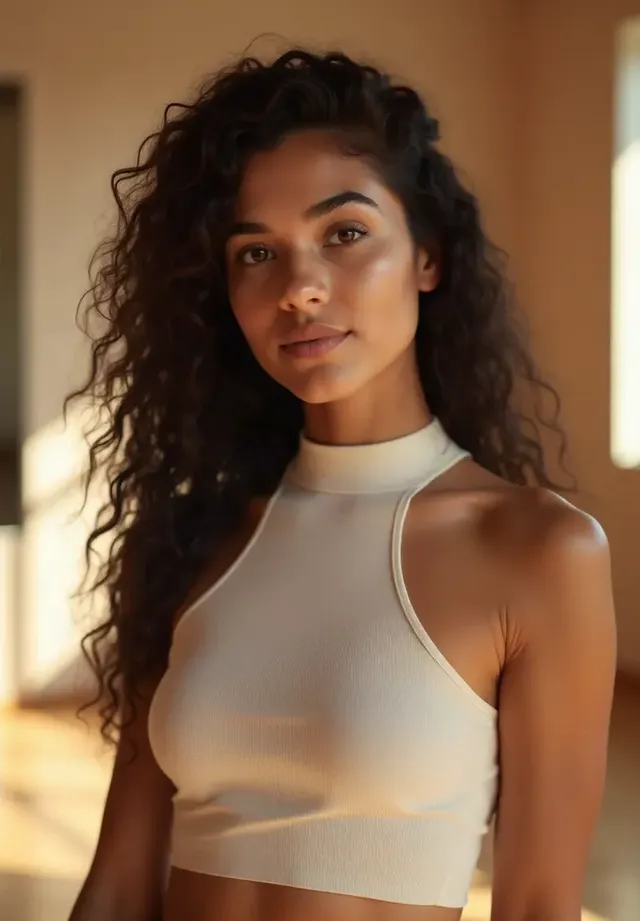
Claire
RomanticLet her romantic side stay intact, but rewrite her backstory around travel and long harbour walks.
Start from her profilePrivacy for the companion you create
Personal by default, clear about what it is, and simple to try without extra fuss.
Every character is fictional and adult
Adults only
Virtual GF is for people 18+ and built for mature fictional chat and generated media.
Fictional adults
Every character is fictional and adult, so the experience stays clearly in the lane of AI entertainment.
Neutral descriptor
Billing uses a neutral descriptor on your bank statement instead of something loud or overly revealing.
Browser access
It runs on phones, tablets, and computers through your browser, with nothing to install first.
Guide to creating a custom AI girlfriend
Make her feel like your pick, not a random preset with a new name.
What creating your own AI girlfriend means
When you create your own AI girlfriend, you decide the personality, look, voice, and message style instead of adapting yourself to a preset. That shifts the feel of every reply right away. A custom setup gives you a character who lines up with your taste in humour, flirting, and attention from the start. Virtual GF also has ready-made companions, and they are great when you want an easy way in before shaping one into your own version.
A ready-made companion is useful when you want a fast first chat, but a custom AI girlfriend gives you more control over the traits that make her feel right. You can choose whether she is sweet, witty, bolder, romantic, or a little chaotic in a fun way. You are also deciding how she sounds and what kind of photos and video clips suit her. That makes future media prompts feel cleaner and more consistent instead of loosely guessed.
Shaping her personality, voice, and memory
Looks get attention, but personality carries the chat. When you make your AI girlfriend, decide how direct she is, how sharp her humour feels, and whether she sounds more teasing, warm, shy, or self-assured. Voice matters too, because the same line lands differently in a soft delivery than it does in a bright or smoky one. A brief backstory helps her messages feel grounded instead of generic, especially when you want a specific flavour of flirtation or banter. In a virtual gf app, those small choices shape whether the vibe feels effortless, specific, and actually fun to come back to.
Chloe is a strong example for this part because a flirty character needs a well-drawn style of speech to feel distinct. You might give her quick comebacks, a confident message rhythm, and a light voice that sounds amused without going overly dramatic. Add a backstory note like loving late-night drives or collecting terrible pickup lines. Small personal touches give her more to pull from, which makes the chat feel more tailored to the relationship you are building.
What happens after you save her
Saving your character turns your choices into a fictional partner you can message whenever you want. From there, you can chat normally, generate a fresh image, and hear how her chosen speaking style comes through when she talks. If your plan includes it, you can also get video clips that suit the character you created. The fun starts when her style carries across text, visuals, and audio in a way that feels connected.
Mika is a good example of how this can play out in practice. A bright animated character with lively banter can move from chat to an image prompt without losing her identity. You might begin with a simple opener about her day, then create a photo on a downtown route, and later try a voice message. Lining up those prompts with her style makes the whole interaction feel smoother and more natural.
A practical first chat is to open with a small personal cue and a clear setting. Tell her where she is, what she is wearing, and what kind of answer you want back. For example, have her meet you on a cafe patio and tease you for being late. That gives her personality, location, and speaking style to work with all at once. It also makes it easier to generate a matching image or voice message right after.
Growing the relationship over time
The longer you chat, the more useful the small personal points become. A custom AI girlfriend can hold onto patterns from your messages, like the compliments you answer best, the jokes that return often, or the setting you revisit most. That makes future chats feel easier to slip into. You are returning to a fictional adult character with an established way of talking to you, which gives each new session more shape and familiarity.
Jade is a good model if you want a darker goth style that still stays fun. Give her a sharp sense of humour, a black-on-black look, and a public setting like a rainy boulevard or a late-night diner. Once that foundation feels right, try variations rather than replacements. A new coat, another corner booth, or a more thoughtful delivery can freshen the chat without losing what made her interesting in the first place.
Starting a second character is also worth trying when you want another type of chat without reworking the one you already enjoy. Use one character for sweet check-ins and another for sharper banter or a more polished style. Swapping outfits and scenes inside chat can help too. Try a gallery visit one day and a coffee run the next, and you will quickly learn which combinations feel most natural to come back to.
Plans, privacy, and where to begin
Virtual GF has Free at $0, Premium at $20.99/month, and Ultimate at $40.99/month, all in CAD. Free suits someone who wants to browse adult AI characters, try limited daily chats, and test basic image generation in account-tied chats. Premium is a stronger pick when you want more daily chat room plus voice messages, short character videos, and quicker image results. Ultimate is aimed at people who want the fullest custom AI girlfriend tools, the highest chat room, more media generation, and earlier access to new styles.
Privacy matters more when the chat feels personal, so Virtual GF ties your messages to your account and does not show them publicly. The app is for adults only, and every character is a fictional adult. That keeps the experience clear about what it is: AI entertainment built for personal use. If discretion matters on the billing side, paid access uses a neutral bank statement descriptor, which is a relief for anyone who likes to keep their business to themselves.
AI girlfriend ideas to create
Start from a type you like, then choose the traits that make her feel specific.
Quiet book lover
Thoughtful and a bit reserved, she turns calm chats into something gently affectionate over time. Her messages feel measured, observant, and quietly inviting.
Straight blackReservedBookshop
Start a new conceptNeon rebel
Restless wit drives every message, and she always has one more place to take the chat. Talking with her feels quick, clever, and a little unpredictable.
CyberpunkSharp-wittedNeon street
Start a new conceptArcade flirt
She is playful, fast with comebacks, and always ready to turn a simple chat into a little challenge.
AnimeTeasingArcade
Start a new conceptHarbour romantic
She loves thoughtful messages, small compliments, and long chats that drift from plans to feelings with ease.
Soft glamWarmHarbour walk
Start a new conceptGym-text charmer
Upbeat check-ins, encouraging notes, and a teasing streak make her fun to message any time. Even ordinary chats feel lively when she’s in the mix.
AthleisureBrightWaterfront path
Start a new conceptGoth night owl
She is dry, observant, and oddly sweet once the jokes start landing. Chats feel clever, late-night, and a little mysterious.
Dark hairWryRainy street
Start a new conceptSweet neighbour
Easy to talk to from the first message, she notices the little things and makes casual chats feel personal without trying too hard. There’s warmth in every text.
Casual denimKindCafe patio
Start a new conceptFree is $0
Inside the custom AI girlfriend creator
You decide how she looks, where she appears, how she talks, and what history she carries. Those choices shape her messages and carry through into the images, voice, and video clips you generate later.
Try the creatorAnswers before you make her
The practical stuff people want sorted before they start designing.
How do I create a custom AI girlfriend?
Open the creator, choose her look, shape her personality and voice, add a brief backstory, and save her to start chatting. Virtual GF lets you decide the style of speech, look, and fictional setup that suit you best. Once she is saved, you can message her and generate media inside the app.
What looks and styles can I give an AI girlfriend?
You can choose art style, hair, eyes, outfit, scene, personality, and voice when you design her. That gives you room to make a character romantic, flirty, goth, polished, shy, or more teasing without forcing a preset. If Kiara feels close but not exact, you can shift her voice, clothing, or backstory to better fit your taste.
Are chats with my virtual girlfriend private?
Your chats are tied to your account and not shown publicly. Virtual GF is built for personal use, so your messages stay out of public browsing areas other users might scroll through. If you want flirty chat with Kiara without making it everyone’s business, that is exactly how the app is meant to work.
Should I start from scratch or use a ready-made companion?
Starting from scratch gives you the most control, while a ready-made companion is faster when you want to jump into chat. Virtual GF offers fictional adult characters you can browse first, then use as a base for your own version. That works well if you like Claire’s romantic style but want different traits around it.
Where does the AI girlfriend app run?
Virtual GF works in your browser on phones, tablets, and computers. You do not need to install anything to open the app, sign in, and use chat, images, voice, or video. That makes it easy to switch devices without turning it into an app-store errand.
Make your virtual girlfriend yours
Pick her voice, lock in her style, and turn a blank idea into a character worth messaging back.
Private by defaultBrowser basedNeutral billing